Starting free carries your site and language over. The preview translations themselves
are rebuilt on your own account, so your memory starts clean.
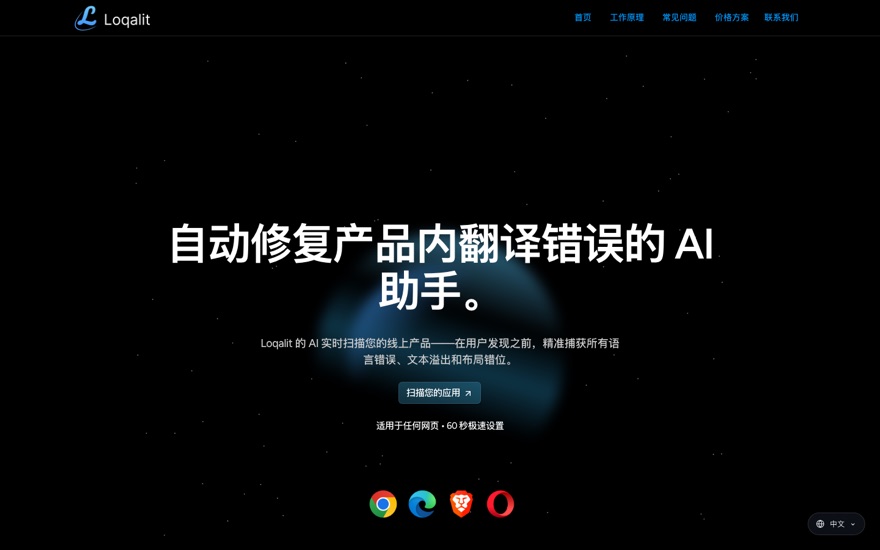
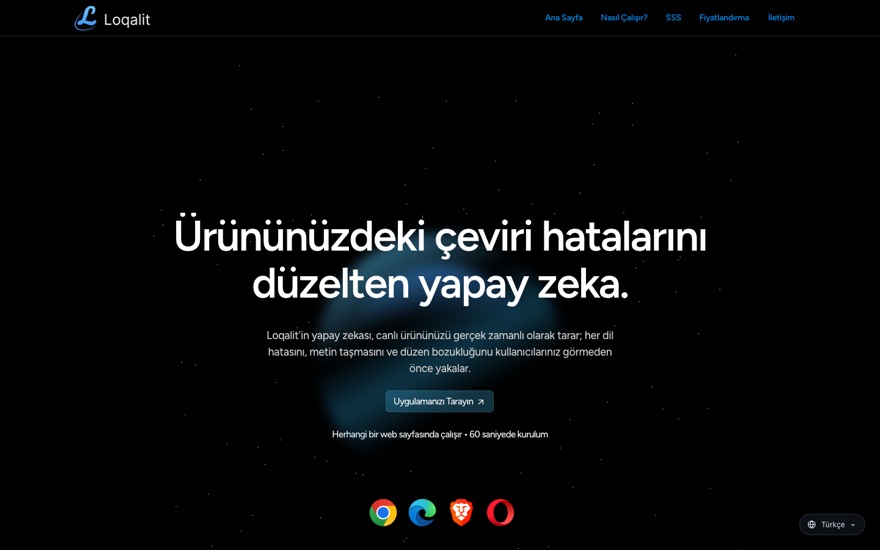
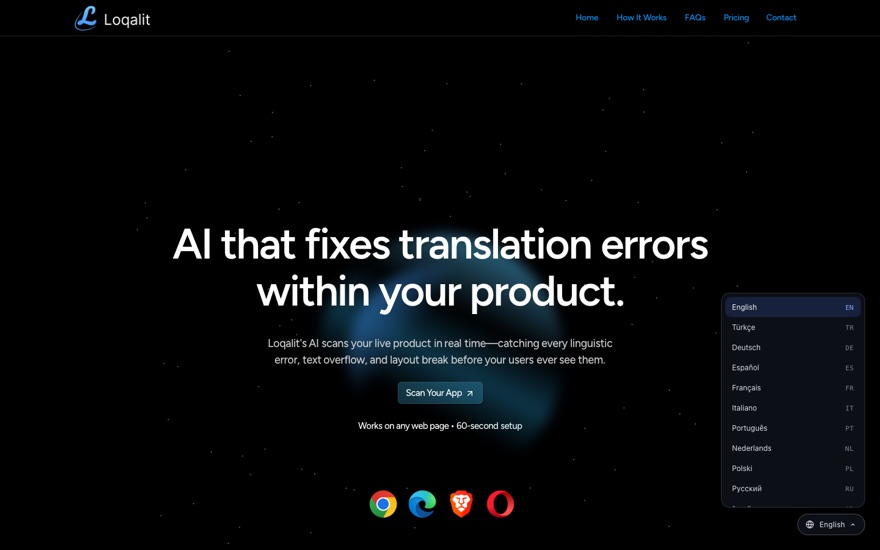
The demo is resting for today. You can still see the product live on this page: the
picker in the corner is the real thing, running here.
From one page to every language, automatically
No plugins, no exports, no replatforming. The script works on the rendered page: the
same on WordPress, Framer, Webflow, a React app, or hand-written HTML.
Detect
The same engine behind the Loqalit QA scanner segments your page into translatable
blocks: headings, paragraphs, buttons, menus.
≈ 20 ms per full page
Translate once
Each unique string is translated by AI a single time, with brand names protected, then
stored in your site's translation memory.
Once per unique string
Serve from cache
Visitors never wait on AI. The browser fetches a small dictionary from the edge and
switches the page in place, with full RTL for Arabic and Hebrew.
< 100 ms to apply
Watch for changes
The script keeps watching: menus, pop-ups and dynamic sections are translated too.
Publish new copy and only the new strings are translated.
Only new strings
Install in two steps
Paste one line into the <head> of your site, as close to
the top as your platform allows.
No. The script is 17 KB compressed and loads deferred. Translations come from an
edge cache and apply in under 100 ms. AI runs once during setup, never while a
visitor waits.
What happens when I publish new content?
Only new strings need translation. Everything already approved stays in your
translation memory, word for word.
Can I correct a translation?
Yes. Tell us the phrasing you want and we pin it in your translation memory. The fix
applies everywhere that string appears, on every page, permanently.
Which languages are supported?
Fifteen today: Turkish, German, Spanish, French, Italian, Portuguese, Dutch, Polish,
Russian, Arabic, Hebrew, Hindi, Japanese, Korean and Chinese. New languages are a
same-day addition.
How is this different from the old Google widget?
Segmentation and memory. We translate whole meaning units with the engine behind our
QA product, and your corrections are pinned so wording never drifts between pages.
What about my visitors' privacy?
No cookies, no tracking. The script stores one value in the browser: the chosen
language. Visitor traffic never touches an AI service.
How do I remove it?
Delete the one line you added. Your site is untouched at the source.
Ready to ship in every language?
Paste one line and you are live. Want us to set it up and review every language with you
first? Tell us about your site.