Loqalit Translate Talk to us

From the Loqalit team

Make your website multilingual in minutes.

Add one line to your site. Loqalit Translate detects your content, translates it with AI, and shows every visitor your site in their language — powered by the same engine we built to quality-check professional localizations.

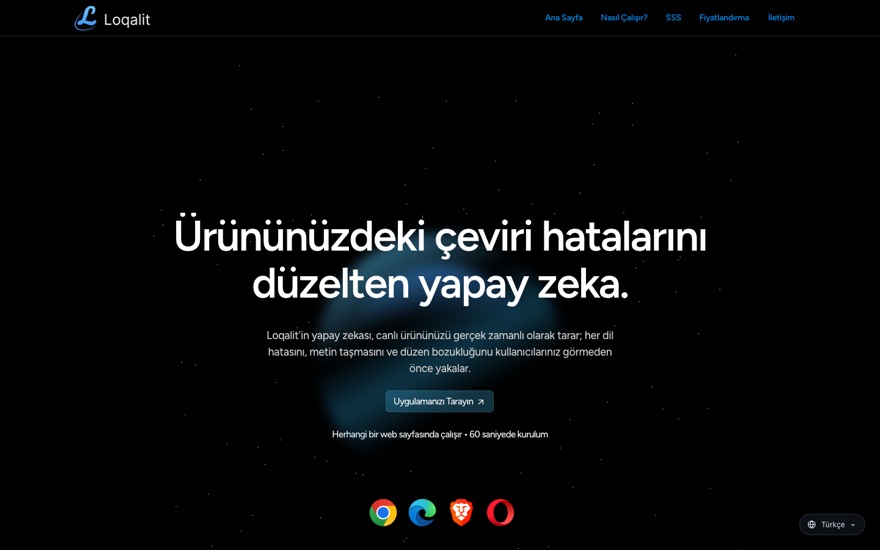
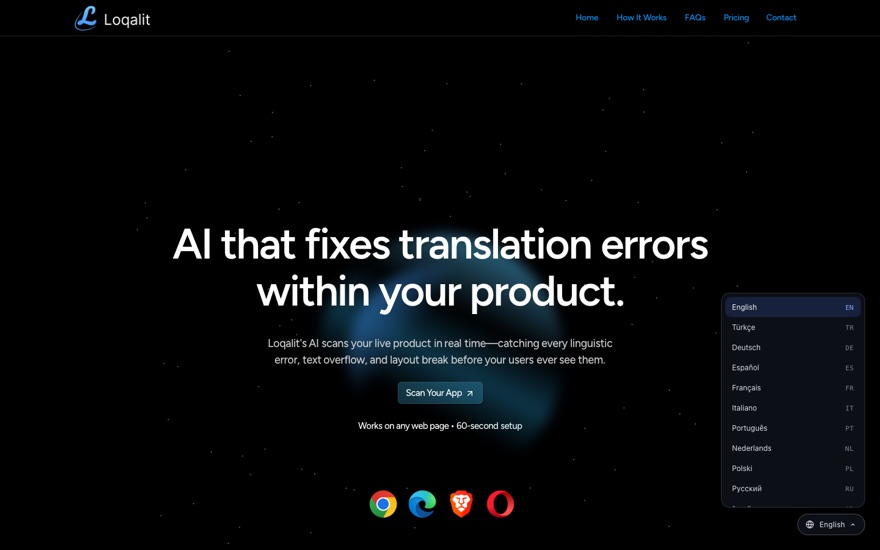
This page is running Loqalit Translate — try the language picker in the corner.

15+
languages, including RTL
1 line
to install, any CMS or stack
<100 ms
to apply on a page view
0
AI calls in your visitors' path

How it works

No plugins, no exports, no re-platforming. The script works on the rendered page, so it behaves the same on WordPress, Framer, Webflow, a React app, or hand-written HTML.

Detect

The script segments your page into translatable blocks — headings, paragraphs, buttons, menus — using the same battle-tested engine behind the Loqalit QA scanner. It takes about 20 milliseconds.

Translate once

Each unique string is translated by AI a single time, with your brand names and product terms protected, then stored in your site's translation memory. Edits you request are stored the same way — fixed once, fixed everywhere.

Serve from cache

Visitors never wait on AI. Their browser fetches a small per-language dictionary from the edge and the page switches in place — under 100 ms, including full right-to-left layout for Arabic and Hebrew.

Watch for changes

The script keeps watching the page, so content that appears later — menus, pop-ups, dynamic sections — gets translated too. When you publish new copy, only the new strings are translated.

Install

Paste one line into the <head> of your site. Start in preview mode — invisible to your visitors — then flip to live when you're happy.

Step 1 — Preview mode (only you can see it: open your site with ?lqt=1)
<script src="https://loqalit-translate-prod.pages.dev/t.js" defer></script>
Step 2 — Go live (the language picker shows for every visitor)
<script src="https://loqalit-translate-prod.pages.dev/t.js" data-lqt-mode="live" defer></script>
Where exactly? As close to the top of the <head> as your platform allows. During the pilot we prime your whole site before you go live, so your visitors' first view is already translated.

Where to add it on your platform

Plain HTML / any custom stack universal

  1. Open your base layout or index.html.
  2. Paste the line before </head>.
  3. Deploy as usual.

Framer no code

  1. Open Site Settings → Custom Code.
  2. Paste into End of <head> tag.
  3. Click Publish.

WordPress plugin

  1. Install the free WPCode plugin (or any "insert headers" plugin).
  2. Code Snippets → Header & Footer, paste into Header.
  3. Save — it applies to every page.

Webflow no code

  1. Open Site Settings → Custom Code.
  2. Paste into Head Code.
  3. Save and Publish.

Wix no code

  1. Go to Settings → Custom Code.
  2. Click + Add Custom Code, paste the line.
  3. Set placement to Head, apply to All pages.

Squarespace no code

  1. Open Settings → Advanced → Code Injection.
  2. Paste into the Header field.
  3. Save.

Shopify theme

  1. Online Store → Themes → ⋯ → Edit code.
  2. Open layout/theme.liquid.
  3. Paste before </head> and save.

Google Tag Manager any site

  1. New tag → Custom HTML, paste the line.
  2. Trigger: All Pages.
  3. Submit and publish the container.

Founding pilot

We onboard every pilot site personally. Before you go live, we translate your whole site into your chosen languages and review the result page by page. Flag any translation you'd phrase differently — we fix it within a day, and the fix sticks.

Honest scope: the pilot is built for marketing and content sites. Translated pages are served in the visitor's browser, so search engines keep indexing your original language for now — dedicated SEO indexing is on the roadmap. Removing it is deleting one line.

$10–15 / site / month

up to 15 languages · priming included · cancel anytime

Join the pilot

FAQ

Will it slow my site down?

No. The script is ~17 KB compressed and loads deferred. Translations come from an edge-cached dictionary (a few KB per language) and apply in under 100 ms. AI runs once per string when we set your site up — never while a visitor is waiting.

What happens when I publish new content?

Only new or changed strings need translation — everything already translated is stored in your site's translation memory and stays exactly as approved. During the pilot we re-prime your site on request (same-day); automatic detection is on the roadmap.

Can I correct a translation?

Yes. Tell us the phrasing you want — brand voice, terminology, legal wording — and we pin it in your translation memory. It's then used everywhere that string appears, on every page, permanently.

Which languages are supported?

The picker ships with 15 languages today — Turkish, German, Spanish, French, Italian, Portuguese, Dutch, Polish, Russian, Arabic, Hebrew, Hindi, Japanese, Korean and Chinese — including full right-to-left layout for Arabic and Hebrew. Need another language? It's a same-day addition.

How is this different from the old Google Translate widget?

Three ways: segmentation (we translate whole meaning-units, not word-by-word text fragments, using the engine behind our professional QA product), consistency (your corrections and terms are pinned in a translation memory), and quality control (the Loqalit QA engine can audit the translated site — that's our day job).

What about my visitors' privacy?

The script sets no cookies and does no tracking. It stores one value in the visitor's browser: their chosen language. Your site's text is processed once at setup time to produce the translations; visitor traffic never touches an AI service.

How do I remove it?

Delete the one line you added. Your site is untouched — the script never modifies your content at the source, only what the visitor's browser displays.